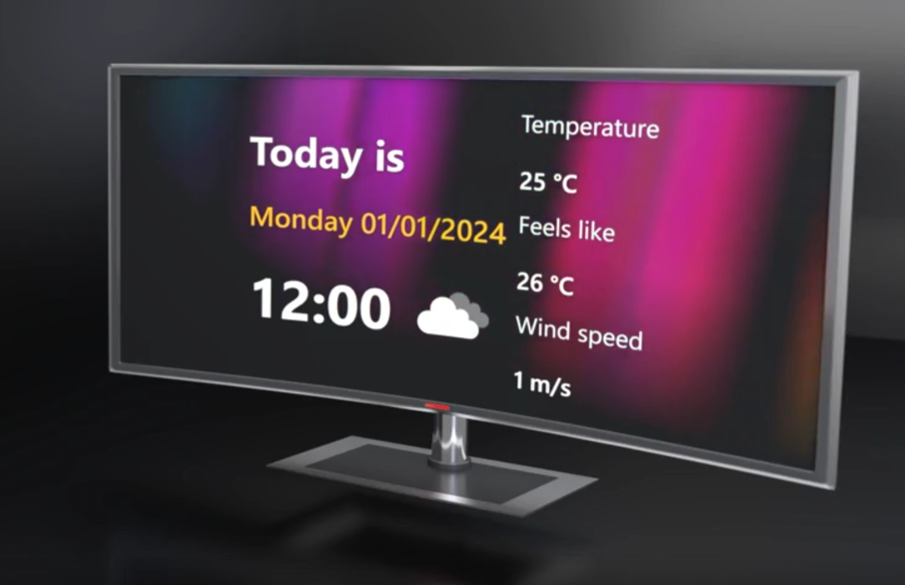
WordPress version 6.6 support, completely rebuild display editor, better animation controls and bug fixes.
New features
Display editor
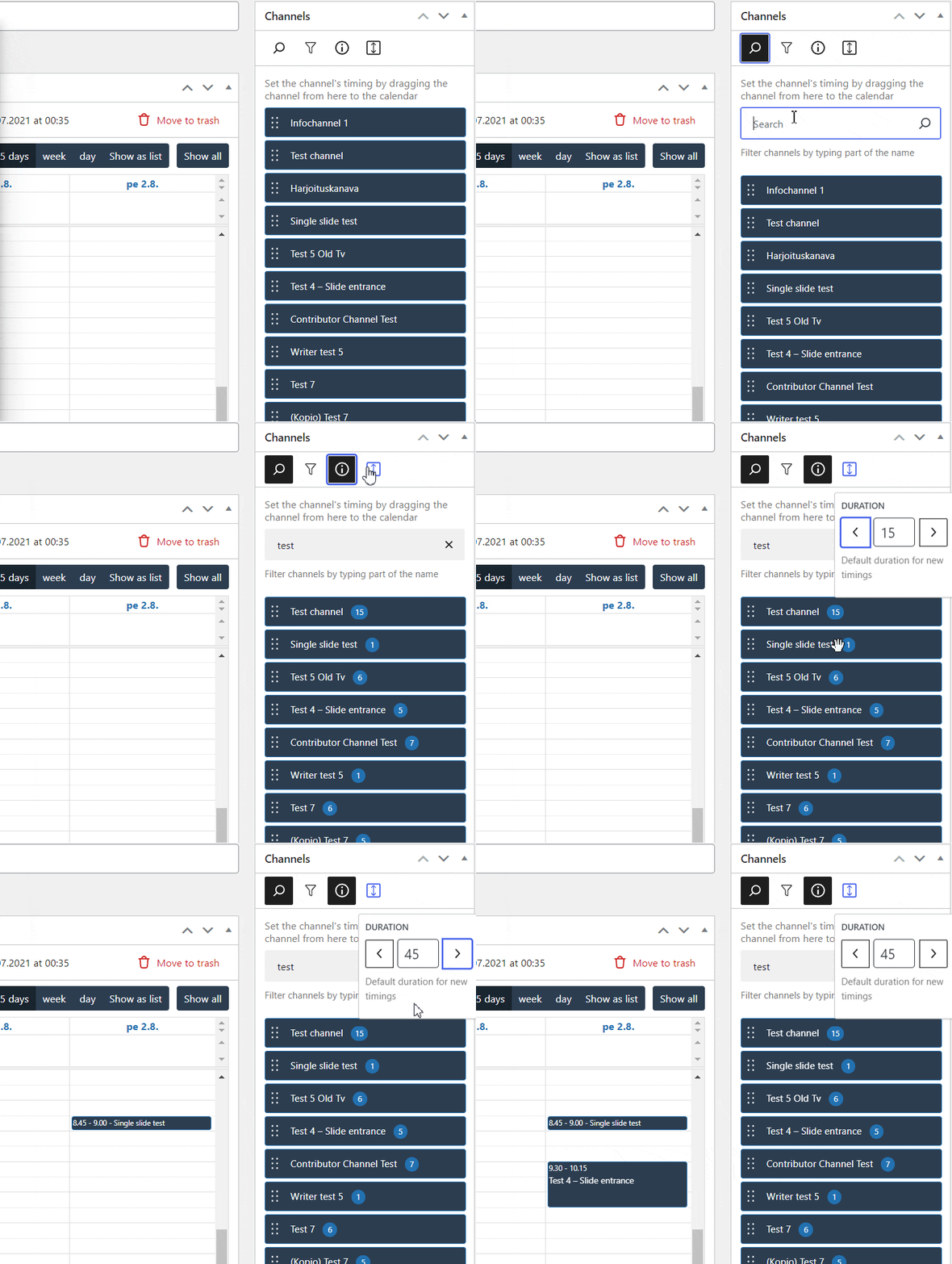
- Timings can be copied from the channel timing list view.
- The channel list can now be filtered, which makes scheduling channels easier and faster.
- The channel list now also shows the number of slides in each channel at the press of a button.
- You can set a default duration for new timings, which is automatically set for each channel. You can easily change the default duration at any time.
- The display editor automatically warns if one of the scheduled channels has been deleted or there are other errors in the timings.
- Faulty timings can also be deleted easily, or you can check them before deletion.
Content editor

- New animation selection.
- See the animation immediately when hovered.
- Find an animation by using a easy search.
- Animate everything with just a one click. “Animate all elements” adds simple fade in animation to all elements and offsets delays for each element automatically.
Improvements
- Hotkeys for save (Ctrl+S), undo (Ctrl+Z) and redo (CTRL+Y) now work in all editors.
- The start and end time of the video background can be adjusted even more precisely, even to the millisecond.
- You can also select a specific time interval from the video background, which is repeated in a loop while the slide is visible.
Bug fixes
Channel editor
- Fixed an issue in top menu bar which caused the schedule menu option to constantly re-render.
- Fixed an issue with deleting the channel when one or more slides had pdf loading error (removed pdf for example).
- Fixed an issue that prevented removing a slide from the channel if the slide couldn’t be loaded.
Settings
- Fixed an issue that caused a crash when the user tried to deactivate Infotaulu in Plugins page when certain plugins were active.
- Fixed issues with Infotaulu roles and capabilities setup in installation phase.
- Fixed character encoding in sample content generator.
- Fixed an issue with Infotaulu options where user roles were not removed during uninstallation
Content editor
- Slide settings sidebar switches now to Block edit sidebar automatically when any block is selected. Slide settings sidebar can also be opened just by clicking the background.
- Fixed Content editor crashing on wp 6.5
- Fixed Content editor background image changing on wp 6.5
- Fixed missing overlay on
Raysbackground type on wp 6.5 - Fixes an issue with default palette not be set after initialization
Others
- Add filters for the first time notice and generator
- Improve range select controls (
Raysbackground color range for example)